
Virtual Happy Hour
Employee engagement through shared experience
Give your team a clear way to interact, laugh, and practice teamwork with Virtual Happy Hour.
Last updated: 2026-11-02




450+ corporate teams
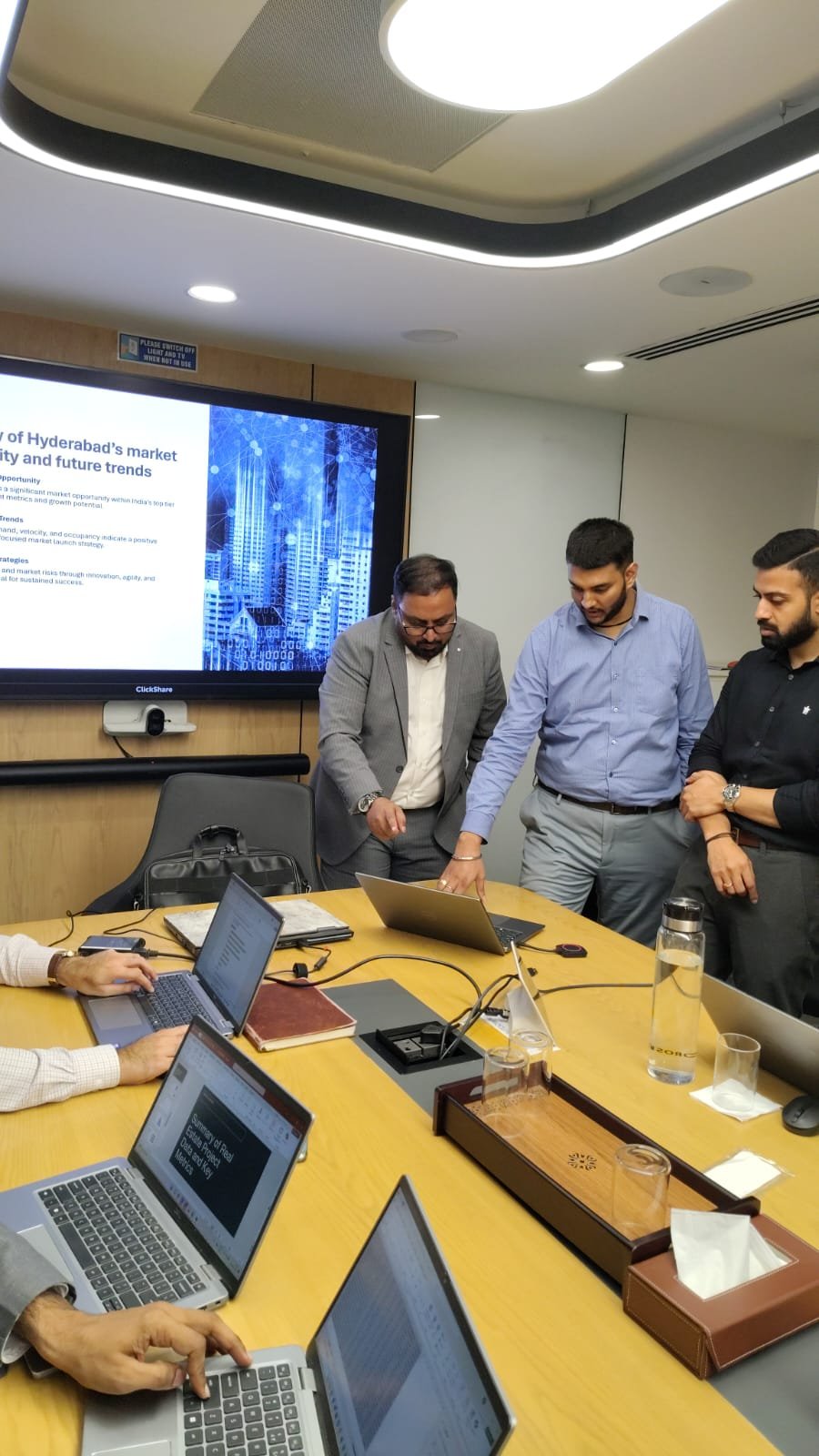
Remote teams, real connection
Quick overview
-
Duration
20–60
Minutes total
-
Group size
5–30
Participants
-
Energy
Low–Med
Energy level
-
Format
Virtual
Online sessions
-
Category
Virtual/Remote
Activity type
-
Best for
Teams
Distributed teams
What Is Virtual Happy Hour?
Virtual Happy Hour team building helps workplaces give remote and hybrid employees equal airtime and memorable shared moments online. In practice: Informal video call get-together, often with drinks and casual conversation, with facilitation that keeps the tone inclusive and workplace-ready.
What makes Virtual Happy Hour useful for modern companies is transfer: the behaviors you practice, listening, coordinating, encouraging, are the same behaviors hybrid teams need in everyday delivery work.
If your brief is employee engagement without gimmicks, Virtual Happy Hour earns its place: clear rules, inclusive pacing, and a debrief that ties play back to how the team works on Monday.

How it works
A clear session flow from brief to debrief
Follow these steps to run Virtual Happy Hour with confidence, timing included so you can plan the room or Zoom agenda.
Align on purpose
Name the business reason for Virtual Happy Hour: onboarding, engagement, celebration, or skill practice. Then explain the mechanic: Informal video call get-together, often with drinks and casual conversation.
2–3 minutesSet up for success
Confirm materials, teams, and tech. Preview how success looks for Virtual Happy Hour so people know what “good participation” means.
3–6 minutesRun the core experience
Facilitate the heart of Virtual Happy Hour: Informal video call get-together, often with drinks and casual conversation. Keep coaching light, rotate attention across the group, and use a timer so momentum stays high. Narrate transitions so remote teammates never wonder what is next.
10–45 minutesShare highlights
Invite a few teams or individuals to share a surprising moment from Virtual Happy Hour. Spotlight listening, creativity, or support, not only who “won.”
3–8 minutesDebrief into work
Ask what behaviors helped during Virtual Happy Hour and where those show up in projects, meetings, or remote collaboration. Capture one team commitment before closing.
3–7 minutesTeam engagement & team building benefits
Virtual Happy Hour works as one of our team building for remote employees, scoped for employee engagement, team bonding, and outcomes HR teams can feel in the room.
Everyday leadership practice
Facilitating or spotting during Virtual Happy Hour gives emerging leaders live practice in clarity, timing, and care.
Stronger personal connection
Virtual Happy Hour gives colleagues shared reference points beyond job titles, which softens silos and speeds later collaboration.
Employee engagement lift
As one of the more memorable team building activities for employees, Virtual Happy Hour creates recognition, laughter, and belonging without a heavy agenda.
Onboarding that feels welcoming
New hires can participate in Virtual Happy Hour with clear structure, meeting peers without pressure to perform in a high-stakes exercise.
Hybrid-friendly participation
With thoughtful facilitation, Virtual Happy Hour gives distributed teammates equal airtime in corporate team building moments.
Less silo friction
When departments mix during Virtual Happy Hour, shared wins reduce “us vs them” distance and open informal collaboration paths.
Communication under constraints
Virtual Happy Hour surfaces how people listen, clarify, and decide when time or information is limited, skills that transfer to project work.
Psychological safety practice
Done well, Virtual Happy Hour rewards contribution over perfection, helping quieter voices take smaller social risks.
Who It’s Best For
Large enterprises
Enterprises scale Virtual Happy Hour with breakouts, table hosts, or timed stations so intimacy survives even when headcount is high.
Distributed companies
Fully remote orgs rely on Virtual Happy Hour to create ritual and belonging across time zones without flying everyone in.
Small teams
Among practical team building activities for small teams, Virtual Happy Hour keeps airtime personal so everyone can contribute without rushing.
Startups
Resource-conscious startups use Virtual Happy Hour to build culture quickly, high signal, manageable prep, and energy that fits a busy build cycle.
Cross-functional groups
Virtual Happy Hour works when departments meet for the first time: shared structure reduces status gaps and sparks informal collaboration.
Preparation
What You’ll Need & Facilitator Tips
What You’ll Need
- A facilitator who can keep time and psychological safety
- A clear goal for the session (kickoff, bonding, celebration, or skill practice)
- Reliable video platform with breakouts and screen share
- Backup links and a tech-check five minutes early
- Shared doc, poll, or whiteboard for participation
- Clear mute/camera norms that still invite presence
- No elaborate production required for a strong first run
Facilitator Tips
- Record only with consent; default to live presence.
- Send a one-slide recap so the moment outlives the call.
- Open Virtual Happy Hour with a 2-minute tech and name check.
- Use polls, chat, and breakouts so camera-off people can still contribute.
- Keep segments under 10 minutes to fight Zoom fatigue.
- Explicitly invite quieter voices by name without putting them on the spot.

Variations
Variations & Adaptations
Adjust the format for remote rooms, large groups, low prep, or themed workshops, without changing the core game.

01
Remote adaptation
Run Virtual Happy Hour on video with chat prompts, reactions, or breakout rooms. Keep instructions on screen and assign a chat moderator.
02
Large-group adaptation
Split into tables or channels of 6–10. Each pod runs Virtual Happy Hour, then nominates one highlight for the full group.
03
Low-prep / no-materials version
Strip Virtual Happy Hour to verbal or chat-only prompts so you can launch in a regular meeting with almost no setup.
04
Themed variation
Theme Virtual Happy Hour around onboarding stories, customer empathy, values, or a product launch so play reinforces a business narrative.
Browse the library
Related activities
-
Virtual/Remote
Virtual Cooking Class
A chef guides remote participants through cooking the same dish live.
Read More -
Virtual/Remote
Virtual Murder Mystery
Role-play crime-solving game hosted live over video call.
Read More -
Virtual/Remote
Virtual Reality Team Building
Teams don VR headsets to solve puzzles together in an immersive shared space.
Read More -
Virtual/Remote
Remote Team Quiz Bowl
Structured team-vs-team knowledge competition hosted online.
Read More

Virtual Happy Hour as a virtual team building activity for work
Virtual Happy Hour is one of the team building activities teams use when they want team building activities for work without a heavy workshop agenda. Gotezu facilitators scope the session for your group size, format, and outcomes, whether you are planning corporate team building activities for an offsite or team building activities for employees in-house.
When teams choose Virtual Happy Hour
HR and people leaders pick this format for kickoffs, culture resets, and employee engagement days where the goal is genuine connection. It fits alongside other virtual team building activities in a longer virtual team building or stands alone as a focused remote team building activities.
Related team building ideas
- Team building activities, explore similar formats in our activities library.
- Team building activities for work, explore similar formats in our activities library.
- Corporate team building activities, explore similar formats in our activities library.
- Team building activities for employees, explore similar formats in our activities library.
- Virtual team building activities, explore similar formats in our activities library.
- Virtual team building, explore similar formats in our activities library.
Frequently Asked Questions
How many people can do Virtual Happy Hour?
Most teams run Virtual Happy Hour with about 5–30 people. For larger headcounts, split into smaller rooms or tables so participation stays high.
How long does Virtual Happy Hour take?
Plan for roughly 20–60 minutes, depending on group size, debrief depth, and whether you add competitive rounds.
Is Virtual Happy Hour suitable for remote or hybrid teams?
Yes. Use video, chat, and breakouts so remote teammates get equal airtime during Virtual Happy Hour.
What are the benefits of Virtual Happy Hour for employee engagement?
Virtual Happy Hour boosts employee engagement by creating shared energy, recognition, and safer familiarity, especially useful at kickoffs, offsites, and culture resets.
Is Virtual Happy Hour good for small teams or startups?
Yes. Small teams and startups often prefer Virtual Happy Hour because it creates visible culture signal without requiring a massive production budget or multi-day agenda.
Do we need special equipment for Virtual Happy Hour?
Requirements vary by format, but most virtual/remote sessions need only a prepared facilitator, a suitable space or platform, and the core materials for Virtual Happy Hour, not a full event build.
How do you keep Virtual Happy Hour workplace-appropriate?
Brief clear boundaries up front, model the tone, offer opt-in intensity levels, and redirect anything that risks exclusion, unsafe behavior, or oversharing.
Can Virtual Happy Hour work as a corporate team building opener?
Absolutely. Many L&D and HR teams use Virtual Happy Hour before workshops or strategy sessions because it warms the room without stealing the entire agenda.
If Virtual Happy Hour feels like the right fit, or you want a mix of formats for employees, startups, and enterprise groups, explore more activities or talk to Gotezu about a tailored agenda.
